What hosting on De Energy Hub means
De Energy Hub is a booking app for EV charging and parking. As a host you create one or both of two hubs. An EV Charging Hub lists the chargers you already have. A Parking Hub lists your spaces. You can link the two so a driver books a bay and a charger in a single booking, which the app calls Park & Charge.

The app works with the chargers you already have. Each charger or space gets its own QR code, which you create in the app, print and put where drivers will see it. Drivers either search by location and book ahead, or scan the code on arrival to book on the spot, then check in through their booking. Our first charge guide shows exactly what the driver sees.
💶 The money in one line
You set the rate and keep 100% of it on full-price bookings. De Energy Hub adds a 15% service fee and VAT on top, so they are not deducted from what you charge. Listing is free.
Who can host
Any person or business with an EV charger or a car park can list a hub. The sectors below each have a page showing how the app works from the host's side.
Hotels and B&Bs
Guests book a bay and a charger as part of their stay.
Holiday lets
Offer charging to the guests who arrive in an EV.
Campsites
Charging and parking for visitors on the road.
Retail parks
Free parking with paid charging, or the other way round.
Golf clubs
Charging and parking for members and visitors.
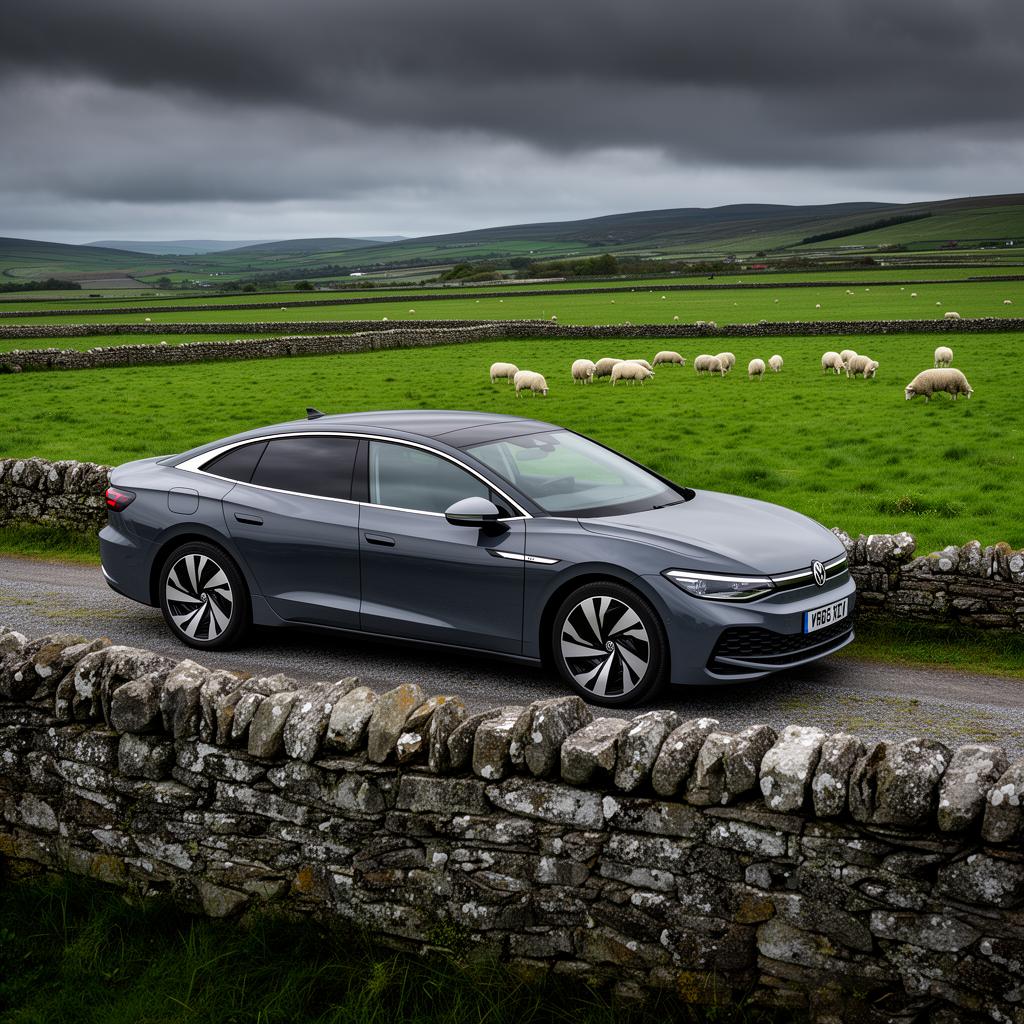
Farms and rural sites
A charger or a space can be listed just as in a town.
Workplaces, schools, councils and apartment developments can host too, and you can list a hub for event parking or event charging. The app can also replace a pay-and-display machine with QR booking and payment. Browse the full list of sectors in the app guide.
What to have ready
Setup is quick if you gather a few things first:
- The right to offer the site. If you rent the site, or manage it for a landlord or a management company, check with them before you list.
- An address. Each site can have one EV Charging Hub and one Parking Hub per Eircode, and one account can run many sites.
- For charging: each charger's name, maximum speed, connector type and brand, and the electricity details the app asks for.
- For parking: the vehicle types the spaces suit, any height limit or rules to show drivers, and a name for each space.
- A rate in mind, and a decision on whether parking, charging or both will be free or paid.
- Optional extras: a photo of each hub, and a logo or brand colour for your QR codes.
How to set up your hub
Setup is self-serve. There is no application, no review and no waiting period, and a typical site goes live in under an hour. These are the steps the app walks you through:

Download the app and create a host account
Get De Energy Hub on the App Store or Google Play and create your host account.
Name your hub and add the address
Give the hub a unique name so drivers recognise it, add an optional photo and set the address.
Set your availability
Choose your operating days, opening hours and the minimum booking length. You decide the length, for example 30 minutes, 1 hour, 2 hours or 3 hours or longer, and drivers book in those lengths.
Add your chargers and set your rate
For a charging hub, add each charger with its name, maximum speed, connector type and brand. Choose an energy label for it and set your rate.
Set up parking and link your hubs
For a parking hub, choose the vehicle types the spaces suit, whether parking is free or paid, your weekday and weekend rates, and a name for each space. If you have both hubs, link them for Park & Charge.
Create your QR codes
Generate a unique QR code for each charger or space, pick a brand colour, add your logo, then print them and display them at reception or beside the chargers.
Review and submit
Check your details carefully. Once you submit, your hub is created and drivers can find and book it.
The full app walkthrough shows every setup screen.
Setting your rate
You set your own price. For charging, each charger can offer up to three energy labels, Pure, Smart or Boost, with one host-set rate per label. Drivers see the label and the price before they book.
For parking you set a weekday rate and a weekend rate. You can also make parking free, or offer complimentary access with a promo code, which gives these common set-ups:
- Free parking and paid charging. Set the Parking Hub to free and charge your rate for charging, as retail parks can.
- Paid parking and complimentary charging. A complimentary promo code gives charging as a perk, for example to hotel guests.
- A linked bundle. One price covers both the space and the charger.
- Complimentary access. Staff, guests and VIPs use promo codes so they pay nothing.
The price a driver pays is built on top of yours: your rate, plus De Energy Hub's 15% service fee, plus VAT on the combined amount. The driver sees the total before they pay, and you keep 100% of your rate on full-price bookings. The pricing page has worked examples.
⚠️ Settle your rate before you go live
You can change a hub's rate only when it has no bookings. Plan on choosing a sensible rate at the start, not adjusting it day to day. A useful starting point is what drivers already pay elsewhere: the EV Charging Cost Calculator shows public network rates, which you can set against what you pay per kWh yourself.
How you get paid and what you see
Hosts are paid out daily, at the end of the day. Everything else you need is in the host screens of the mobile app.
- Bookings, past and upcoming, and who made each one: a driver, a guest you booked for, or your own booking.
- Check-in and check-out notifications, and who is currently checked in.
- Messages from drivers, which you can read and reply to.
- Earnings by day, week and month.
- Hub counts for the Charging Hubs and Parking Hubs on your profile.
Reports are available from De Energy Hub on request.
Running your hub day to day
Once your hub is live:
- Check-in and check-out are done by the driver through their booking, and you are notified. Drivers can add a photo at check-in and check-out, which gives you a session record, most useful at unmanned sites. Both photos are optional.
- Book for a guest, or for yourself. You can create a booking on someone's behalf, or book your own charger or space. A guest booked this way still needs the app to check in.
- Promo codes are available from De Energy Hub on request. A code is either discounted, taking a percentage off the price, or complimentary, taking 100% off. Codes are set up to your requirements, such as number of uses, expiry date and whether they cover parking, charging or both, and can be assigned to specific people. You pass them to staff, guests or partners, who enter them when they book.
- If a charger has a problem, each charger has an enable or disable setting. Disabling it cancels the bookings for that charger. The app handles cancellations and, where necessary, refunds.
- Driver cancellations carry a fee that rises as the start time gets closer. The tiers are set out in the first charge guide.
What will you earn?
There is no fixed figure, and we are not going to invent one. What you earn depends on things you control and things you can check:
- Your rate against your electricity cost. A rate below what you pay for the electricity loses you money on every kWh.
- How often the charger or space is booked. A hub only earns when someone books it, so where the site is and who already visits it matter. Search your area in the app to see what is already listed near you.
- The total the driver sees. The service fee and VAT are added on top of your rate, so they are not deducted from it, but they do make the driver's total higher than your rate. A rate well above local alternatives may put drivers off.
You set the price, you keep 100% of it on full-price bookings, and the bookings decide the rest.
Income from letting out a charger or a space may be taxable. Check with Revenue or your accountant before you start.
Ready to list your first hub?
Download De Energy Hub, create a host account and list your chargers or spaces. Available on the App Store and Google Play.
Explore De Energy Hub →
Not a host? The driver side works the same way in reverse: see how to book your first charge, or read our guide to car park and EV charging management for businesses. If you have questions before you list, the contact page is the place to ask.
Frequently asked questions
Do I need to buy new hardware to host on De Energy Hub?
De Energy Hub works with the EV chargers you already have. You create your hub in the app and print QR codes from it.
What does it cost to list a charger or parking space?
Listing is free. De Energy Hub adds a 15% service fee and VAT on top of your rate, and the driver sees the total before they pay. You keep 100% of the rate you set on full-price bookings. See the pricing page for worked examples.
How much can I earn from hosting?
There is no fixed amount. You set the rate and keep 100% of it on full-price bookings, so what you earn depends on that rate, how often your charger or space is booked and what the electricity costs you.
How and when do I get paid?
Hosts are paid out daily, at the end of the day.
Can I list parking and charging together?
Yes. You can create an EV Charging Hub, a Parking Hub or both, and link them so a driver books a bay and a charger in one booking (Park & Charge). Each site can have one Charging Hub and one Parking Hub per Eircode, and one account can run many sites.
Can I change my rate once my hub is live?
You can change a hub's rate only when the hub has no bookings, so settle on a rate before you go live rather than planning to adjust it day to day.
Can I offer free or discounted charging to staff and guests?
Yes, through promo codes. De Energy Hub creates the code and gives it to you, and you pass it to staff, guests or partners, who enter it when they book. A code is either discounted (a percentage off) or complimentary (100% off) and is set up to your requirements. You cannot create codes yourself in the app, so request them from De Energy Hub.
What can I see in the app as a host?
You can see bookings, past and upcoming, and who made each one; notifications when a driver checks in or out and who is currently checked in; messages from drivers; earnings by day, week and month; and the number of hubs on your profile. Host screens are in the mobile app only, and reports are available from De Energy Hub on request.
What if a charger stops working?
Each charger has an enable or disable setting in the app. Disabling a charger cancels the bookings for that charger. The app handles cancellations and, where necessary, refunds.
Who do I contact if something goes wrong?
For anything tied to one of your hubs, drivers can message you through the app. If you need help yourself, use Contact Us inside the app, or phone De Energy Hub office on the number shown on the contact page.
Published 10 October 2026. Setup steps follow the app's hub setup screens, and payment, payout and promo code details are confirmed by De Energy Hub. De Energy Hub is live now on the App Store and Google Play. Features, fees and policies may change, so check the app for current terms before you list. This is general information, not tax or financial advice.