What you need before your first charge
Most EV charging happens overnight on a driveway. The awkward moments come away from home: a night in a hotel or holiday let, a weekend at a campsite, a day at a workplace or a retail park, or a long drive where the public network is not quite where you need it. Those are the moments De Energy Hub is for. Instead of a first-come bay, you get one you can book.
You need three things: the app, an account and your own charging cable. The app is free to download on the App Store and Google Play, and you need an account to book. If a host has booked a bay for you, for example a hotel as part of your stay, you still need the app to check in on arrival, and the email address or phone number on your account must match the details the host used.
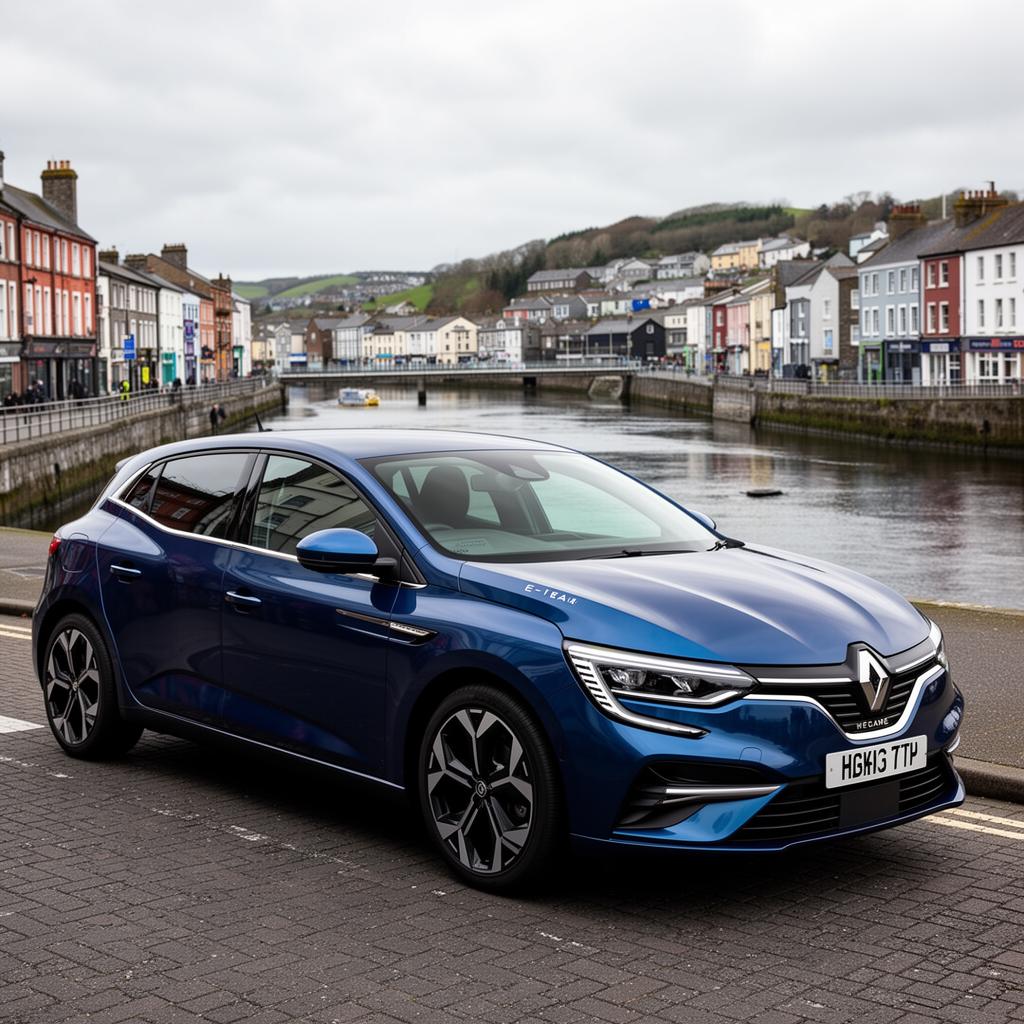
Keep your charging cable in the car. Drivers normally bring their own cable, so there is nothing to collect from the host.
🔌 Check what is near you first
Hubs are listed by the businesses and people who run them, so what is near you depends on who has listed one. Open the app and search your area before you plan a trip around it, or browse our EV charging by county guide for where to look.
Step 1: find a charger or parking space
Open the app and search by location. You can view results on a map or as a list, and you can filter by vehicle type so you are only shown hubs that suit what you drive. There are four vehicle types: Car/SUV, Large Van/Minibus, Bus/Truck and Campervan. The app does not match a vehicle to a charger for you, so choose the filter that fits your vehicle. Our vehicle types guide explains the categories.
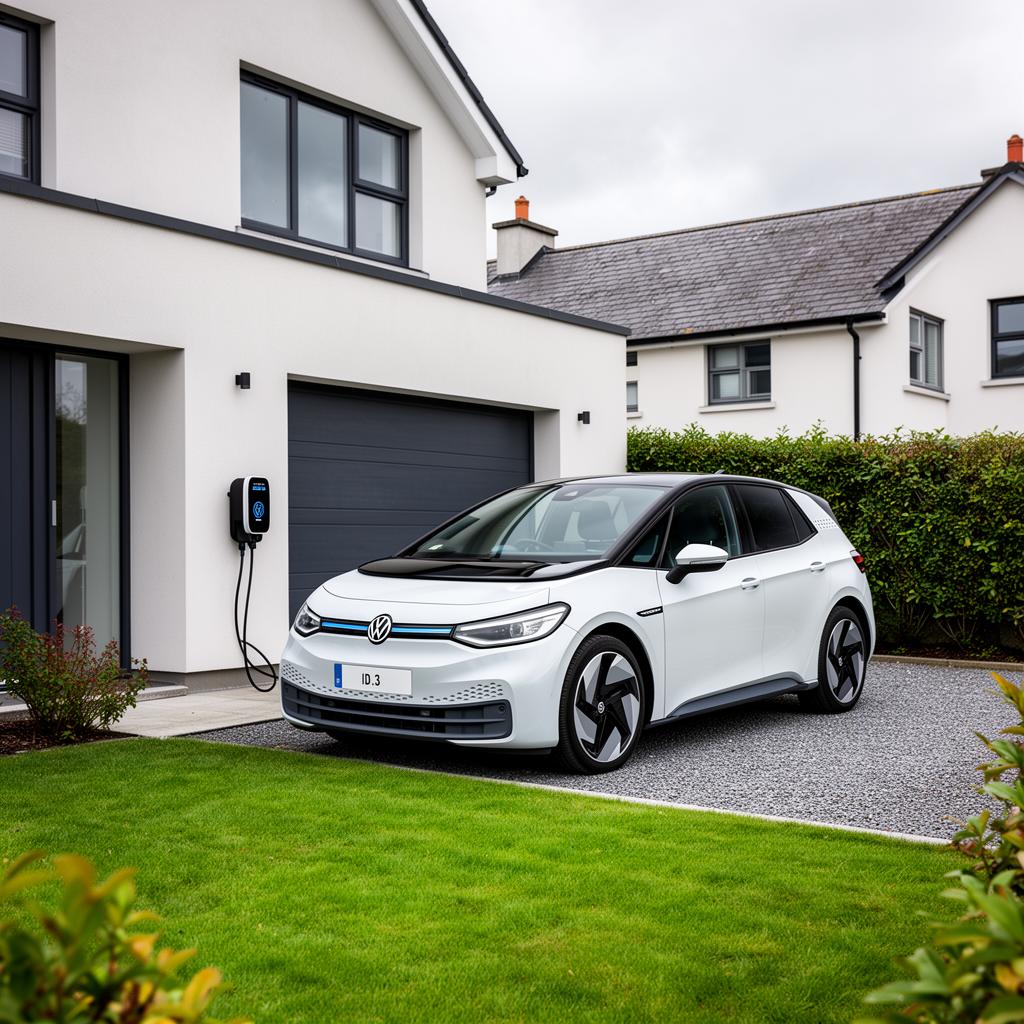
Every listing shows the energy mode and the price before you book. Hosts assign each charger one of three energy modes, and each mode has one host-set rate:
Pure Energy is a 100% renewable supply. Smart Energy draws on renewables first, with grid power covering the rest. Boost Energy is full grid power at maximum kW, for the fastest charge the charger can give. The mode is part of the listing, so you can see what a charger runs on before you commit.
Any business with a car park or chargers can list a hub, from hotels and B&Bs to holiday lets, campsites, retail parks, golf clubs and workplaces. If you are curious how a particular kind of site uses the app, the sector pages for hospitality, holiday lets, campsites and retail parks show it from the host's side.
Step 2: book ahead, or scan on arrival
There are two ways into a booking. You can search by location and book in advance, or you can scan the QR code at the charger or space and book there and then. Either way, you book and pay in the app.
Book ahead. Pick a start time in the app. Each host sets the booking slot length when they create their hub, so the options vary from hub to hub: it might be 30 minutes, 1 hour, 2 hours, 3 hours or longer. For parking, multi-day bookings are available too. Where a host has linked a Parking Hub and a Charging Hub, Park & Charge books the bay and the charger together in one booking.
Scan on arrival. If you are already at the site and see a QR code at the charger or space, scanning it opens the booking for that charger. Scanning starts a booking; it is not how you check in. Check-in is separate and happens in the app once you have plugged in.
Picture a weekend in a holiday let. You search by location the week before, book the charger for the evening you arrive, and the bay is yours when you pull in. Or you stop at a retail park, spot the QR code at an EV bay, scan it and book on the spot. Booking ahead is the better choice when you need the charger at a particular time, because the slot is reserved for you.
Step 3: check the price, then pay
The price you see is the total. It is made up of the host's rate for the energy mode you chose, De Energy Hub's 15% service fee and VAT, and you see the total before you pay. Hosts set their own rates and keep 100% of them. For worked examples, see the full pricing breakdown.
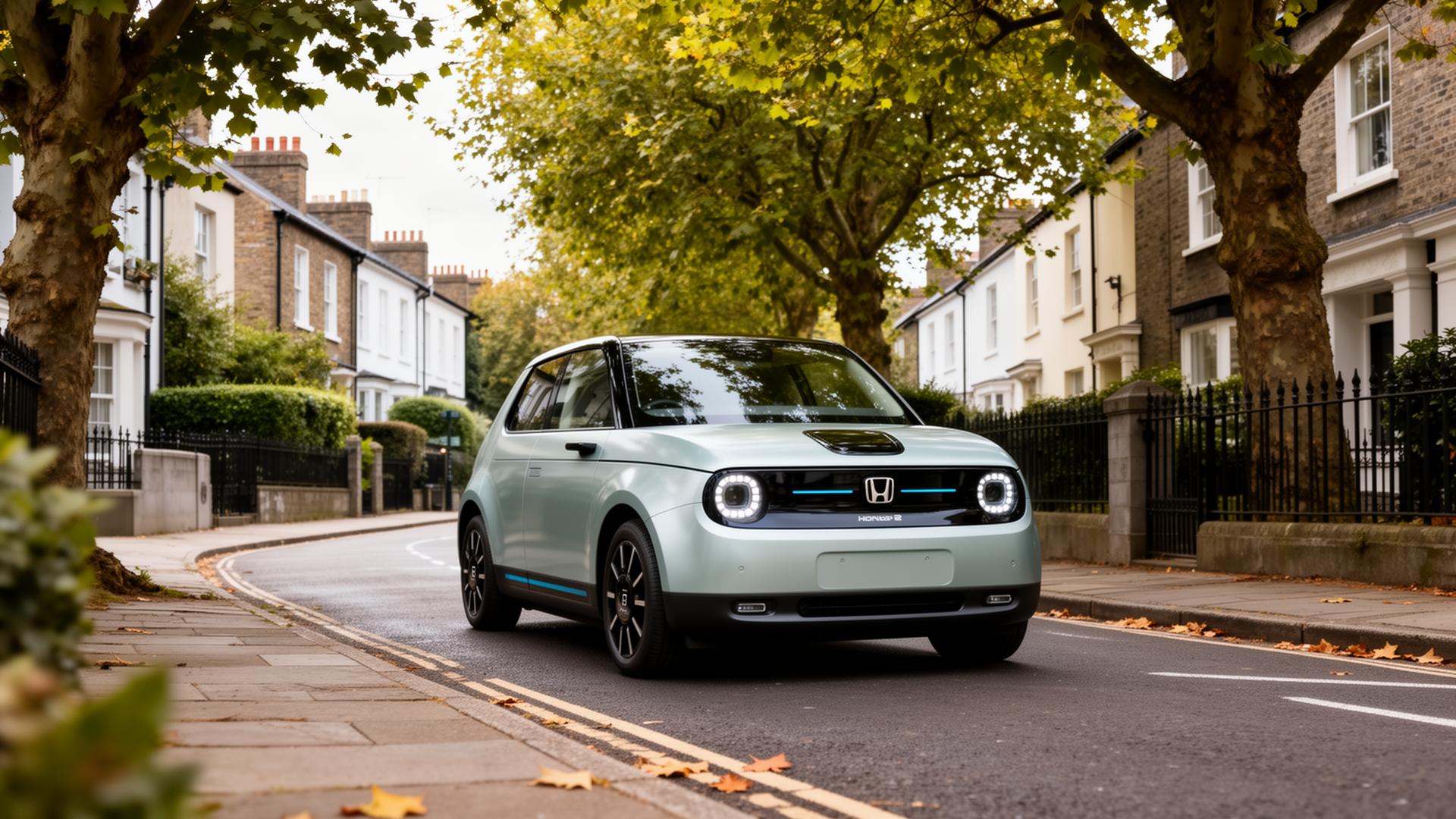
You pay by card in the app, and payments are processed by Stripe. If a host has given you a promotional code, enter it in the "Have a promotional code?" field on the booking review screen. A discounted code takes a percentage off the price and you pay the balance as normal. A complimentary (100%) code means the booking completes at zero value and the payment screen does not appear. Codes come from De Energy Hub to the host, who passes them on, so you will only have one if a host has given it to you.
When you book, you and the host both receive a confirmation email. Where you have paid for the charger, the parking or both, an invoice is issued for that booking.
Step 4: plug in, check in and charge
Arrive, plug in with your own cable, then open your booking in the app and check in. Once you have arrived and started your session you are checked in, and your host is notified. Nobody checks you in for you, which is why the app matters even when a host made the booking on your behalf. Check-in opens shortly before your booking starts, and the app sends reminders around check-in and check-out.
You can take a photo of the charger when you check in and again when you check out. Both photos are optional. They give the host a session record, which matters most at unmanned sites.
While you charge, the usage overview in the app shows your live usage, kWh and cost, and your session history is kept there afterwards. How fast the charge goes depends on the charger and on your car. If you need to ask the host anything, you can message them from the app.
✅ Your first charge in six lines
Download the app and create an account. Search by location and filter by vehicle type. Book a slot, or scan the QR code on arrival. Check the total price and pay by card. Plug in with your own cable, then check in through your booking. Check out when you have finished.
If your plans change: cancellations
Drivers want to know this before they book, so here it is plainly. The cancellation fee depends on how far ahead of your booking start time you cancel:
Cancellation fees
- At least 24 hours before the start: free to cancel.
- Between 24 hours and 4 hours before the start: a 50% cancellation fee.
- Less than 4 hours before the start: the fee is the full value of the booking.
The app handles cancellations and, where necessary, refunds. If a host takes a charger offline, the bookings for that charger are cancelled. The practical advice is simple: if you are not sure when you will arrive, book the slot you are confident you can make, rather than a hopeful early one.
If something goes wrong
For anything tied to a particular Charging Hub or Parking Hub, such as a charger that is not working or a question about access, message the host through the app. For anything else, use Contact Us inside the app, or phone De Energy Hub office on the number shown on the contact page.
If you drive long distances and rely on the public rapid networks, De Energy Hub is a complement to them rather than a replacement. Our guides to planning an EV road trip and to network memberships cover that side, and the EV Range Calculator shows what your car will really manage on an Irish route.
Away from home, the difference between a plug and a plan is knowing the bay is yours before you arrive.
Ready for your first charge?
Download De Energy Hub, search by location and book your first charger or parking space. Free to download on the App Store and Google Play.
Explore De Energy Hub →
If you run a hotel, holiday let, campsite or car park yourself, the host side works the same way in reverse: our guide to car park and EV charging management explains how a business lists its spaces and chargers, and the full app walkthrough covers both sides in detail.
Frequently asked questions
Do I need an account to book an EV charger on De Energy Hub?
Yes. You need a De Energy Hub account to book. If a host has booked on your behalf, for example a hotel booking a bay as part of your stay, you still need the app to check in when you arrive, and the email address or phone number on your account must match the details the host used for the booking.
How do I pay for a booking?
You pay by card in the app, and payments are processed by Stripe. The total price, made up of the host's rate, De Energy Hub's 15% service fee and VAT, is shown before you pay. If a host gives you a complimentary (100%) promotional code and you enter it when booking, the booking completes at zero value and the payment screen does not appear.
Do I need my own charging cable?
Normally yes. Drivers bring their own cable, plug in, and then check in through their booking in the app.
How do I start charging?
Plug in with your own cable, then open your booking in the app and check in. Scanning a QR code is a way to start a booking when you are already at the site; it is not how you check in. A photo of the charger at check-in and again at check-out is optional.
How much does it cost to charge at a De Energy Hub charger?
Each host sets one rate for each energy mode (Pure, Smart or Boost) on their hub. De Energy Hub adds a 15% service fee and VAT on top of the host's rate, and you see the total price before you pay. See the full pricing breakdown for worked examples.
Can I cancel a booking, and what does it cost?
Yes. Cancelling at least 24 hours before your booking starts is free. Between 24 hours and 4 hours before the start, a 50% cancellation fee applies. Inside 4 hours, the fee is the full value of the booking. The app handles cancellations and, where necessary, refunds.
Do I have to book in advance?
No. You can search by location and book ahead, or scan the QR code at the charger or space to book on arrival. Booking ahead reserves the slot for you, which helps if you need the charger at a particular time.
How long can I book a charger for?
Each host sets the booking slot length when creating their hub, for example 30 minutes, 1 hour, 2 hours or 3 hours, so it varies from hub to hub. You book in the slot lengths that host has set.
What if something goes wrong with a booking?
For anything tied to a particular Charging Hub or Parking Hub, message the host through the app. For anything else, use Contact Us inside the app, or phone De Energy Hub office on the number shown on the contact page.
Which vehicles can use De Energy Hub chargers and parking?
The app has four vehicle types: Car/SUV, Large Van/Minibus, Bus/Truck and Campervan. Drivers filter by vehicle type when they search so they see hubs that suit their vehicle. The app does not match a vehicle to a charger for you, so choose the filter that fits what you drive.
Published 26 September 2026. Booking, payment and cancellation details confirmed by De Energy Hub. De Energy Hub is live now on the App Store and Google Play. Policies and features may change, so check the app for the current terms before you book.